
Use DaamDesk → Customers to create and maintain customer records used by quotations, orders, invoices, payments, and the customer portal.
Customer fields
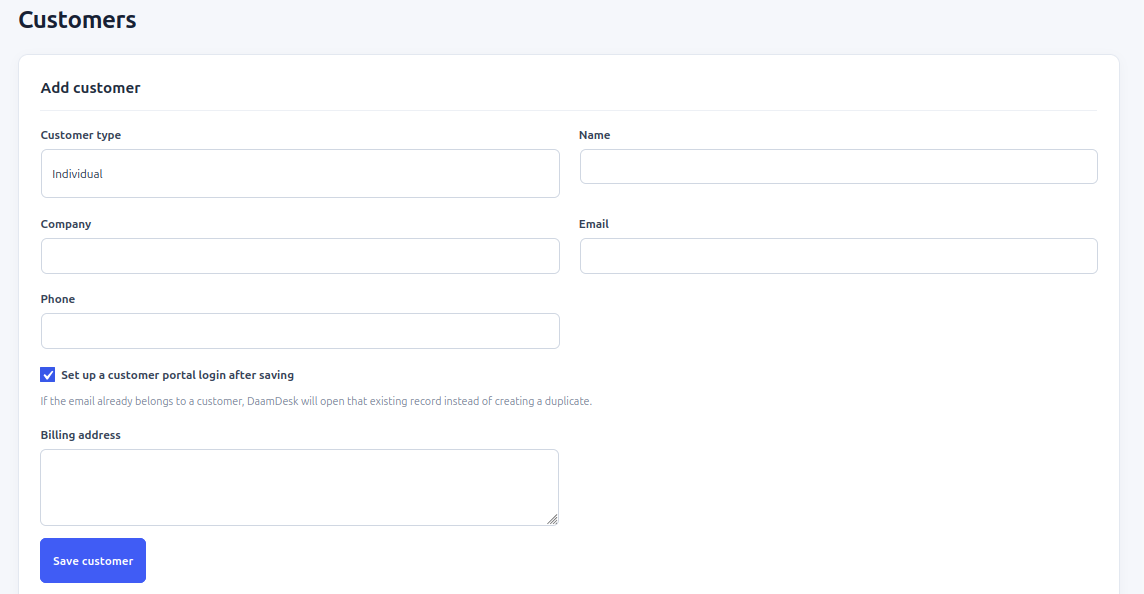
The customer form includes customer type (individual or business), name, company, email, phone, and billing address. The name is required. Email is used to identify a billing customer; if an email already exists, DaamDesk directs the administrator to the existing record instead of creating a duplicate.
Add a customer
- Open DaamDesk → Customers.
- Use the add-customer form.
- Choose Individual or Business as the customer type.
- Enter the customer name and any relevant company, email, phone, and billing address details.
- If you want the customer to use the portal, use the available create-portal-account option and complete the fields shown by the installed version.
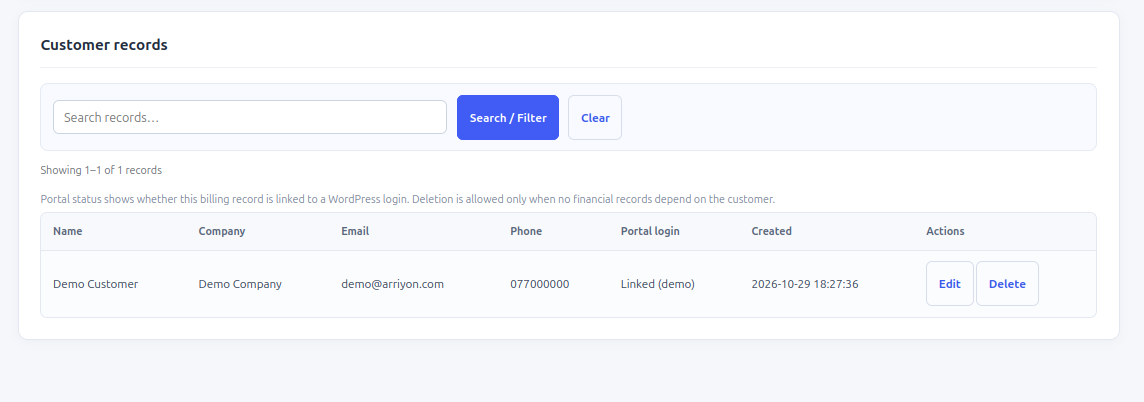
- Save the record and confirm it appears in the customer list.
Search and manage records
The customer list supports search and pagination. Search can match name, company, email, or phone. Use the available edit controls to correct customer details. Avoid creating duplicate customer records for the same email address.
Customer portal access
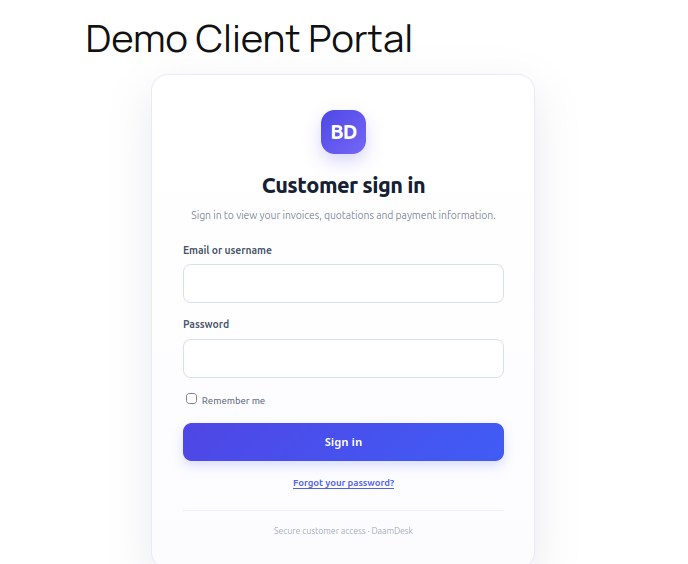
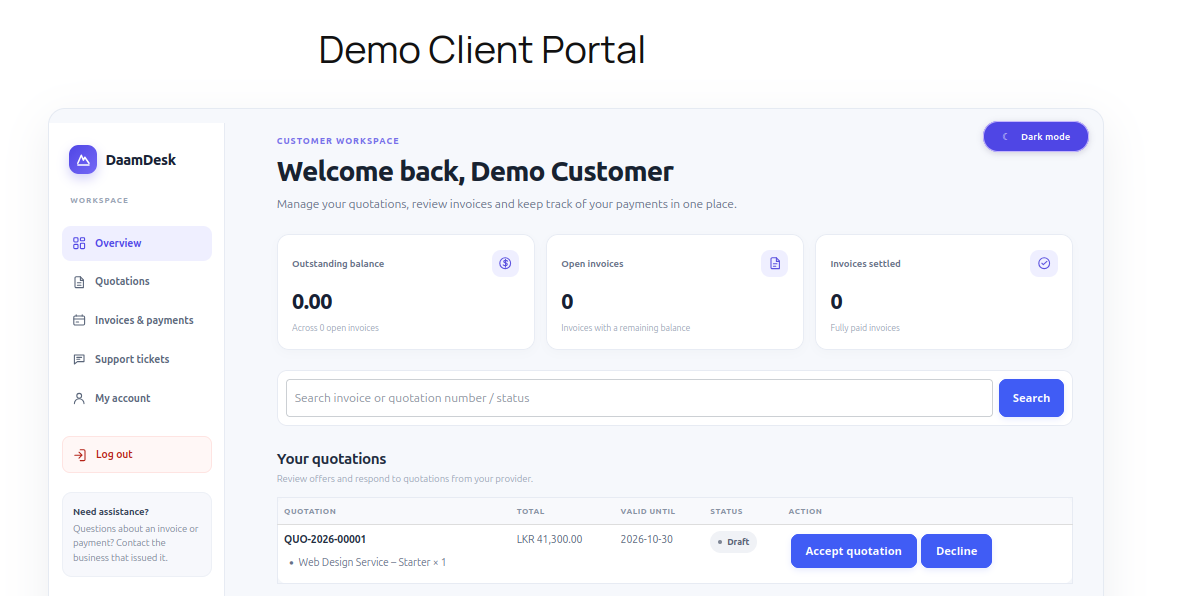
A portal account must be linked to the corresponding DaamDesk customer profile. If the customer cannot see their billing information or use the support portal, check that the WordPress user is linked to the correct customer record and that they are signed in with the expected account.
Privacy and data quality
Collect only the customer information needed for your business. Redact personal information in screenshots sent to support.
Screenshots from DaamDesk
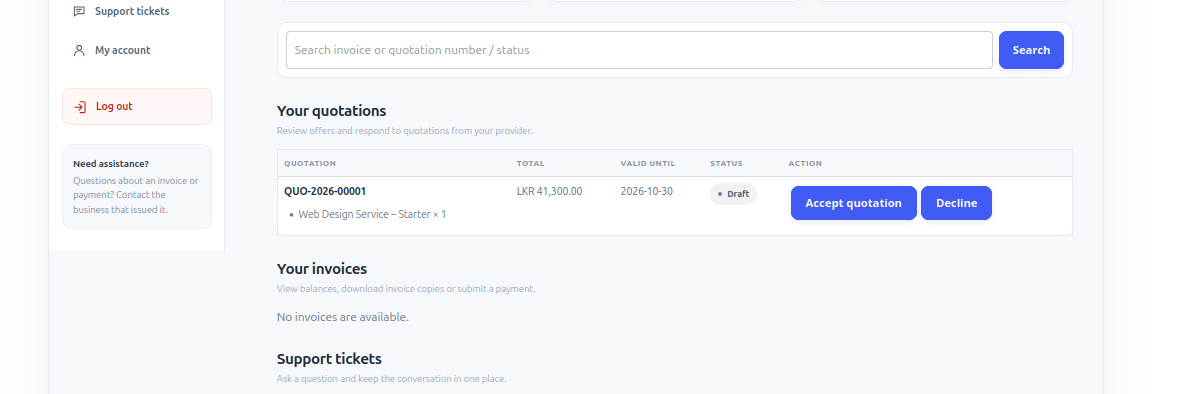
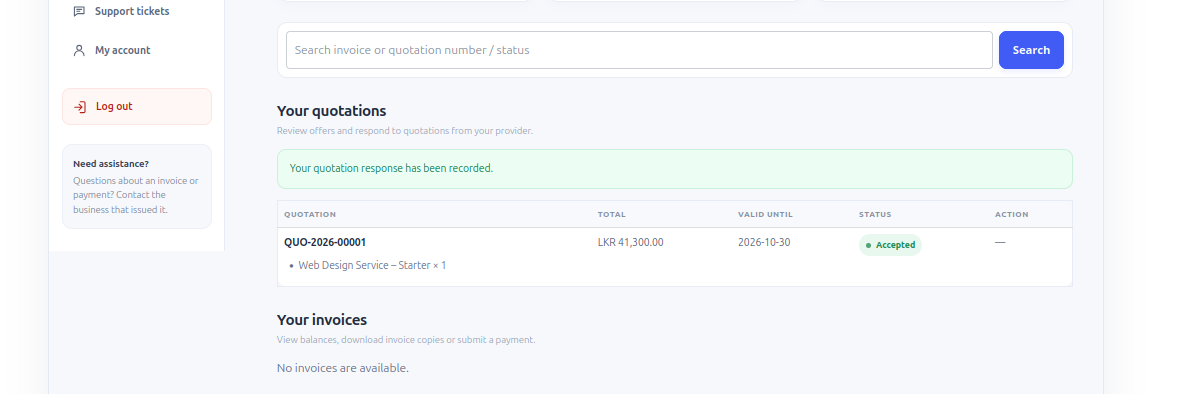
These reference images show the interface described in this guide. Labels may vary slightly between plugin versions.
Release-specific note
DaamDesk capabilities and settings can vary by version. This guide reflects DaamDesk v0.30.0 and the supplied interface screenshots. If a menu or option differs in your installation, check the release notes or contact support.
Thank you for your feedback. You can also send us details.