
The calendar and dispatch screens help an operator plan upcoming work and allocate the available fleet and drivers.
Booking calendar
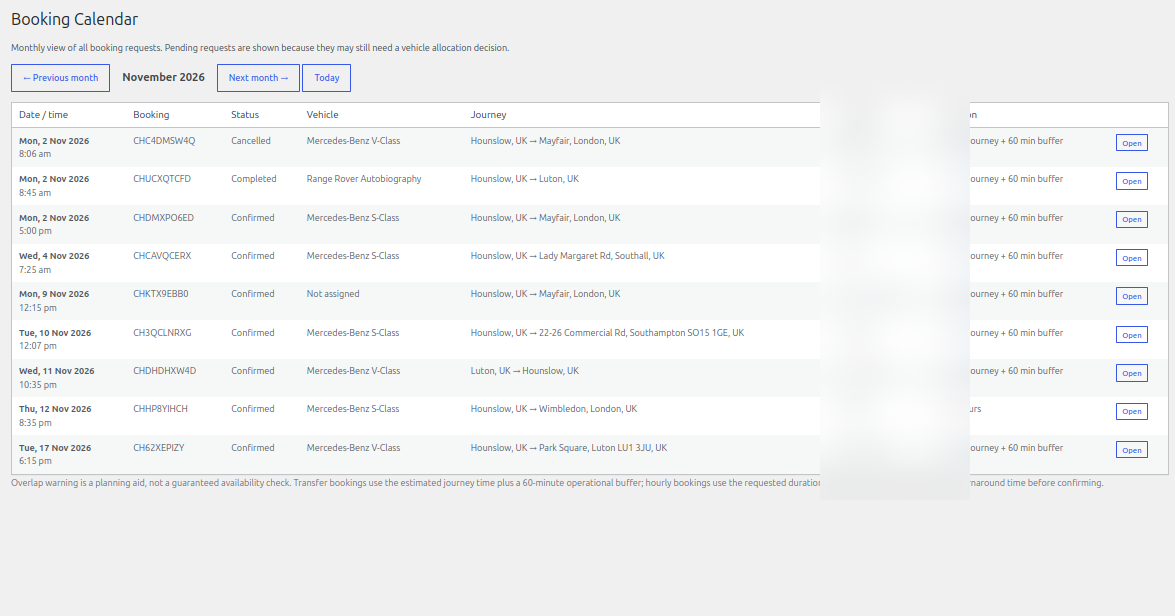
Open Chauffeur Bookings → Calendar to review bookings by month. Pending requests can appear in the calendar because they may still need an allocation decision. Use the month navigation and Today control to move through the schedule. Open a booking to review or manage its details.
Dispatch board
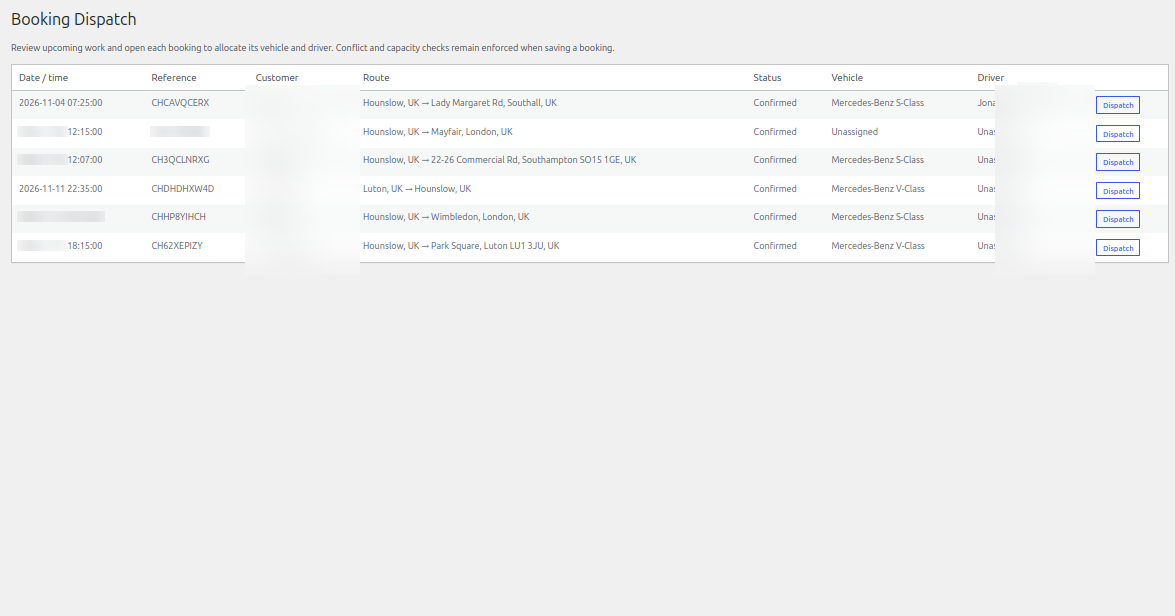
Open Chauffeur Bookings → Dispatch to review upcoming work in a dispatch-oriented list. Use the Dispatch action on a booking to allocate a vehicle and driver. Conflict and capacity checks remain enforced when saving a booking.
Operational planning
The displayed journey duration is an estimate. For transfer bookings, the operational planning view includes a buffer; review traffic, return travel, turnaround time and any local operating requirements before confirming an allocation.
See it in ChauffeurDesk
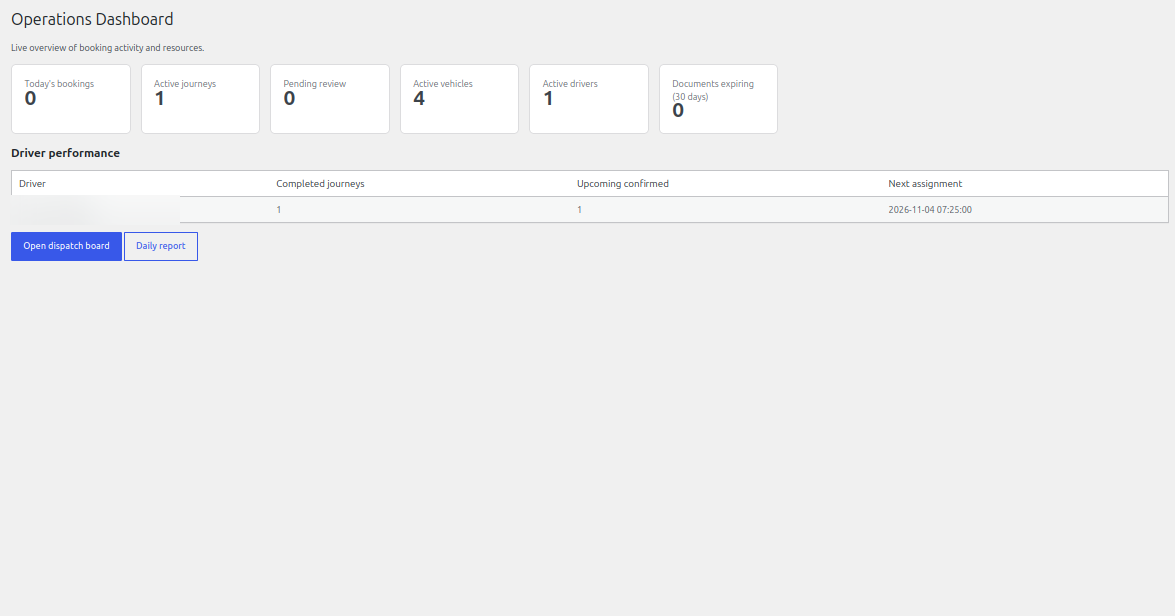
These screenshots show the related customer and administration screens. Personal details and credentials have been obscured.
Keep your setup secure
Use HTTPS, restrict access to administrator and driver pages, keep payment and Maps credentials private, and test configuration changes before using them with live customers.