
Use the operational dashboard and reporting screens to review booking activity, fleet resources, collected payments and administrative changes.
Operations dashboard
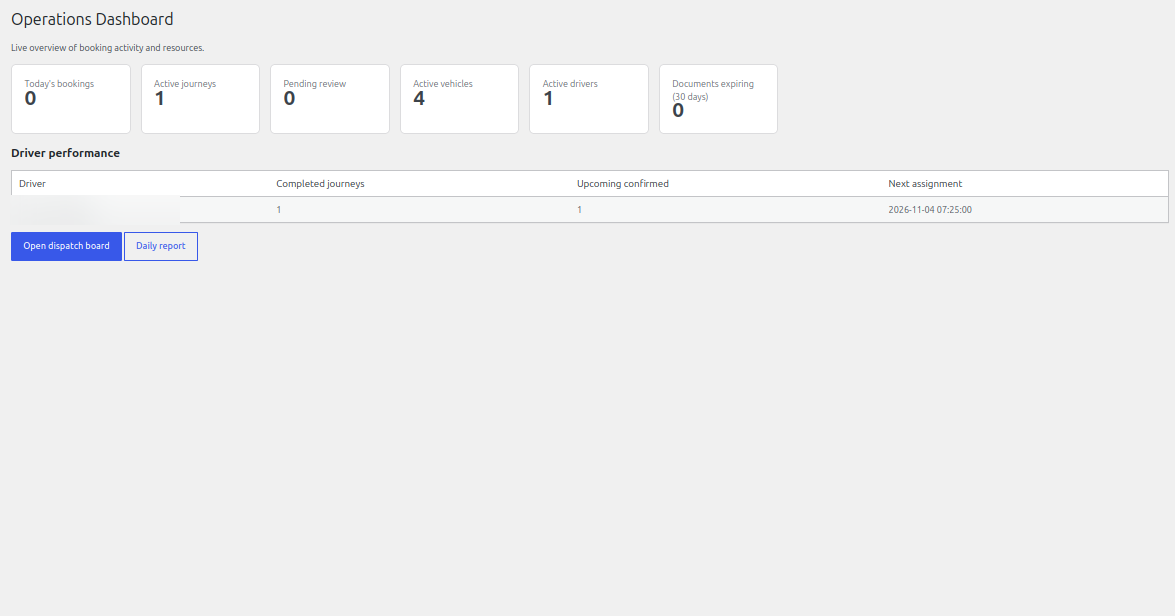
The dashboard summarises current booking activity, active journeys, pending review items, active vehicles and drivers, and upcoming document expiry information. Use the links to open the dispatch board or daily report.
Financial reports
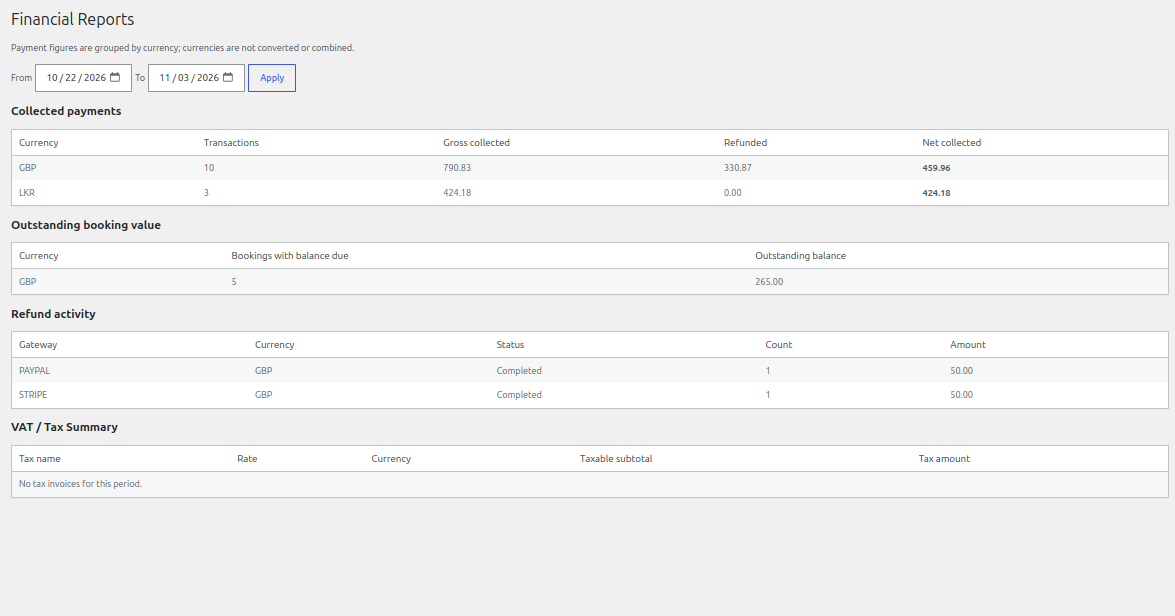
Financial Reports lets you select a reporting date range and review collected payments grouped by currency, outstanding booking value, refund activity and VAT/tax summaries. Figures are grouped by currency and are not converted or combined.
Payment transactions
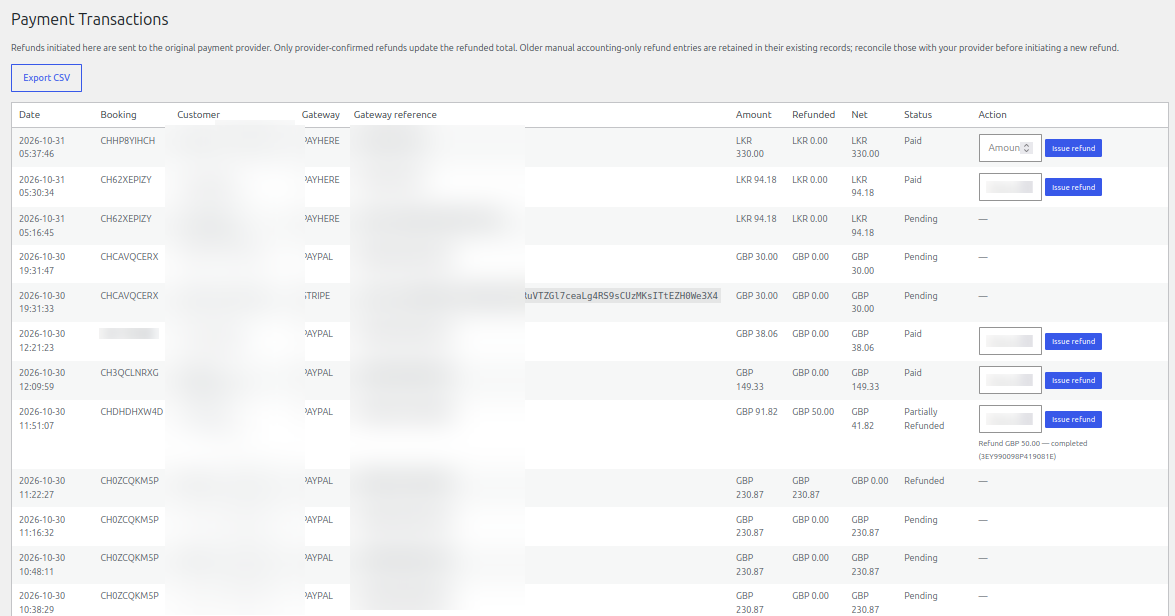
The Payment Transactions screen lists provider transactions, references, amounts, refunded amounts and statuses. Where supported, initiate refunds from the original payment record and wait for provider confirmation.
Audit log
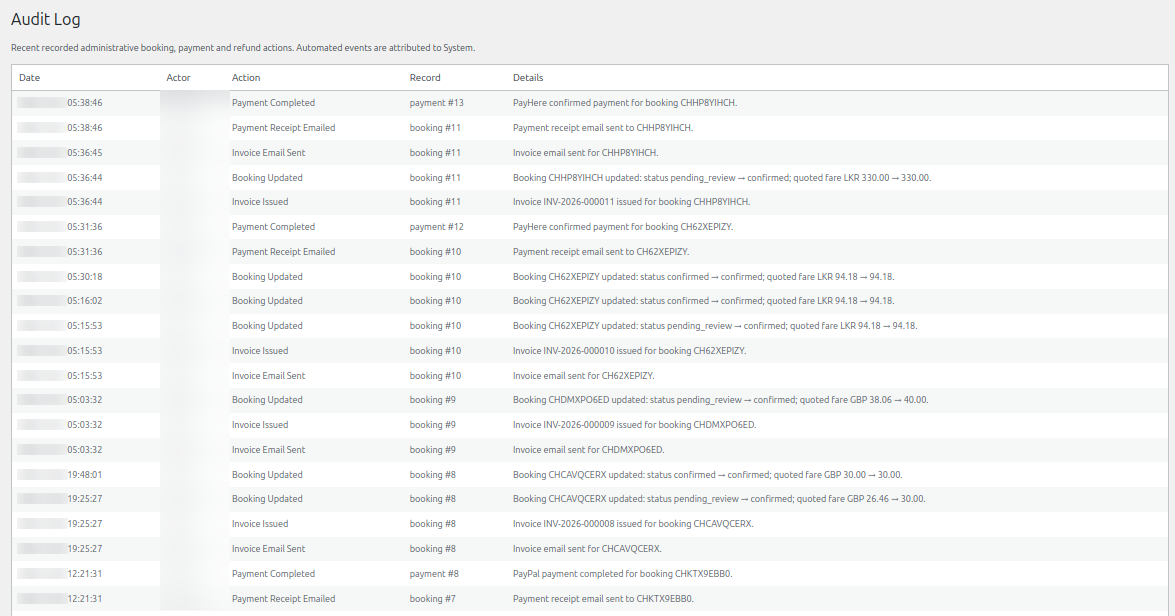
The audit log records administrative booking, payment and refund actions. Use it to review when a change occurred, who performed it and which booking or payment record was affected.
See it in ChauffeurDesk
These screenshots show the related customer and administration screens. Personal details and credentials have been obscured.
Keep your setup secure
Use HTTPS, restrict access to administrator and driver pages, keep payment and Maps credentials private, and test configuration changes before using them with live customers.