
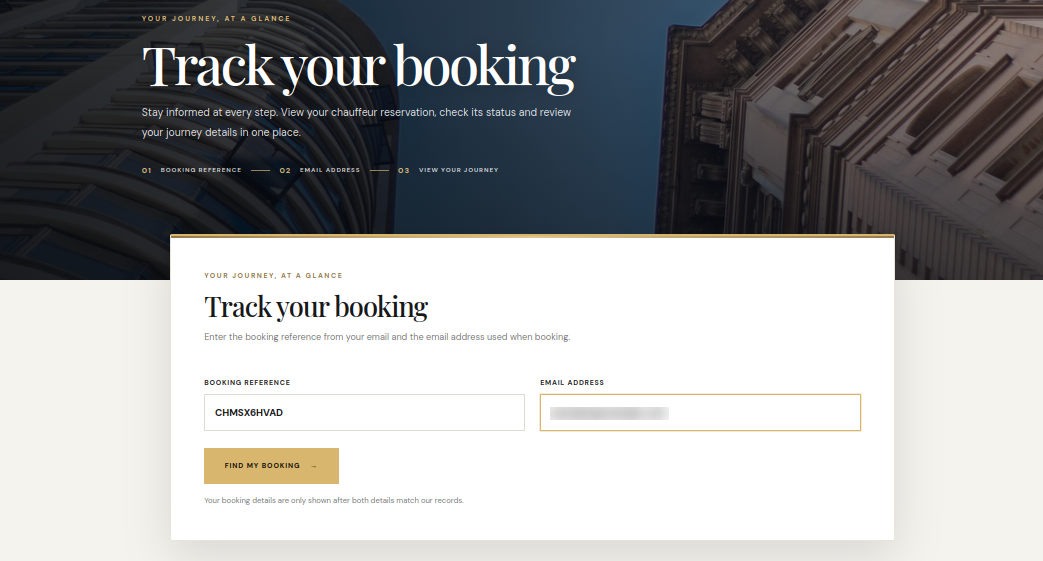
The booking tracking page allows a customer to retrieve their booking using the booking reference and the email address used when the request was submitted.
Customer lookup
- Open the Track My Booking page.
- Enter the booking reference shown in the booking acknowledgement or email.
- Enter the same email address used when making the booking.
- Select Find My Booking. The details are displayed only when both values match the booking record.
Journey information
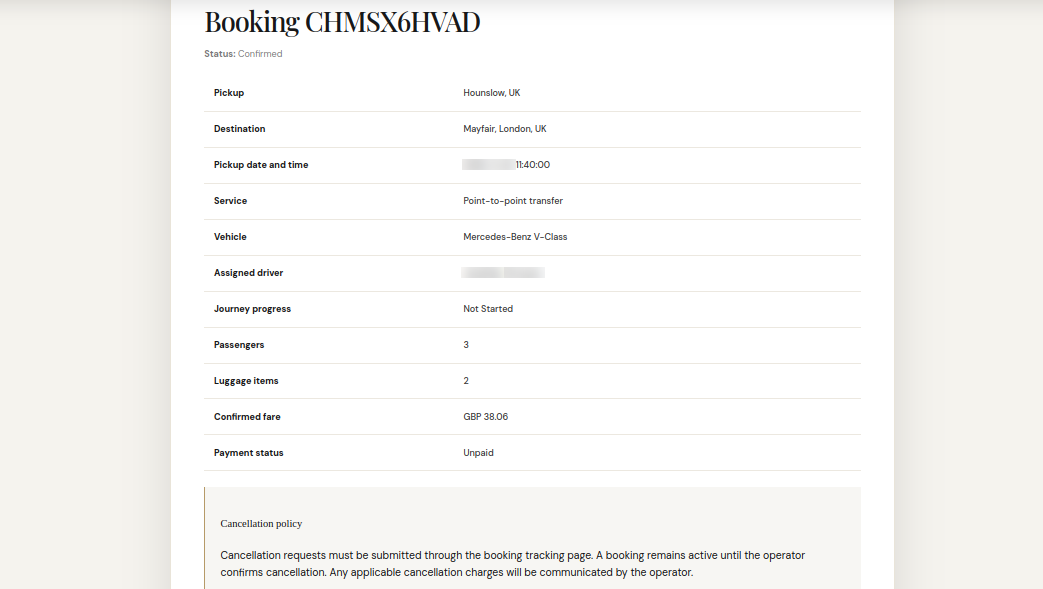
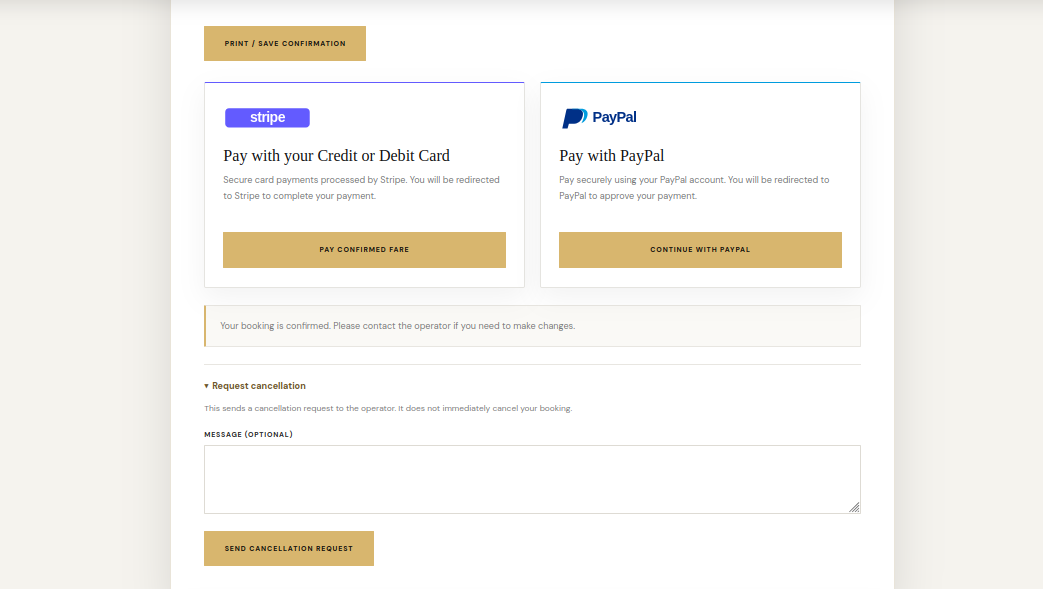
The tracking view can show the booking status, pickup and destination, pickup date and time, service type, vehicle, assigned driver, journey progress, passenger and luggage counts, confirmed fare and payment status. A printable confirmation may also be available.
Cancellation requests
A customer can submit a cancellation request from the tracking page. Submitting the request does not immediately cancel the booking. The booking remains active until the operator reviews and confirms the cancellation; any applicable cancellation charges should be communicated by the operator.
See it in ChauffeurDesk
These screenshots show the related customer and administration screens. Personal details and credentials have been obscured.
Keep your setup secure
Use HTTPS, restrict access to administrator and driver pages, keep payment and Maps credentials private, and test configuration changes before using them with live customers.